Making the shopping experience feel effortless for Adidas
A conversion-focused redesign that turns a dense product journey into a clear, confident shopping experience across desktop and mobile.
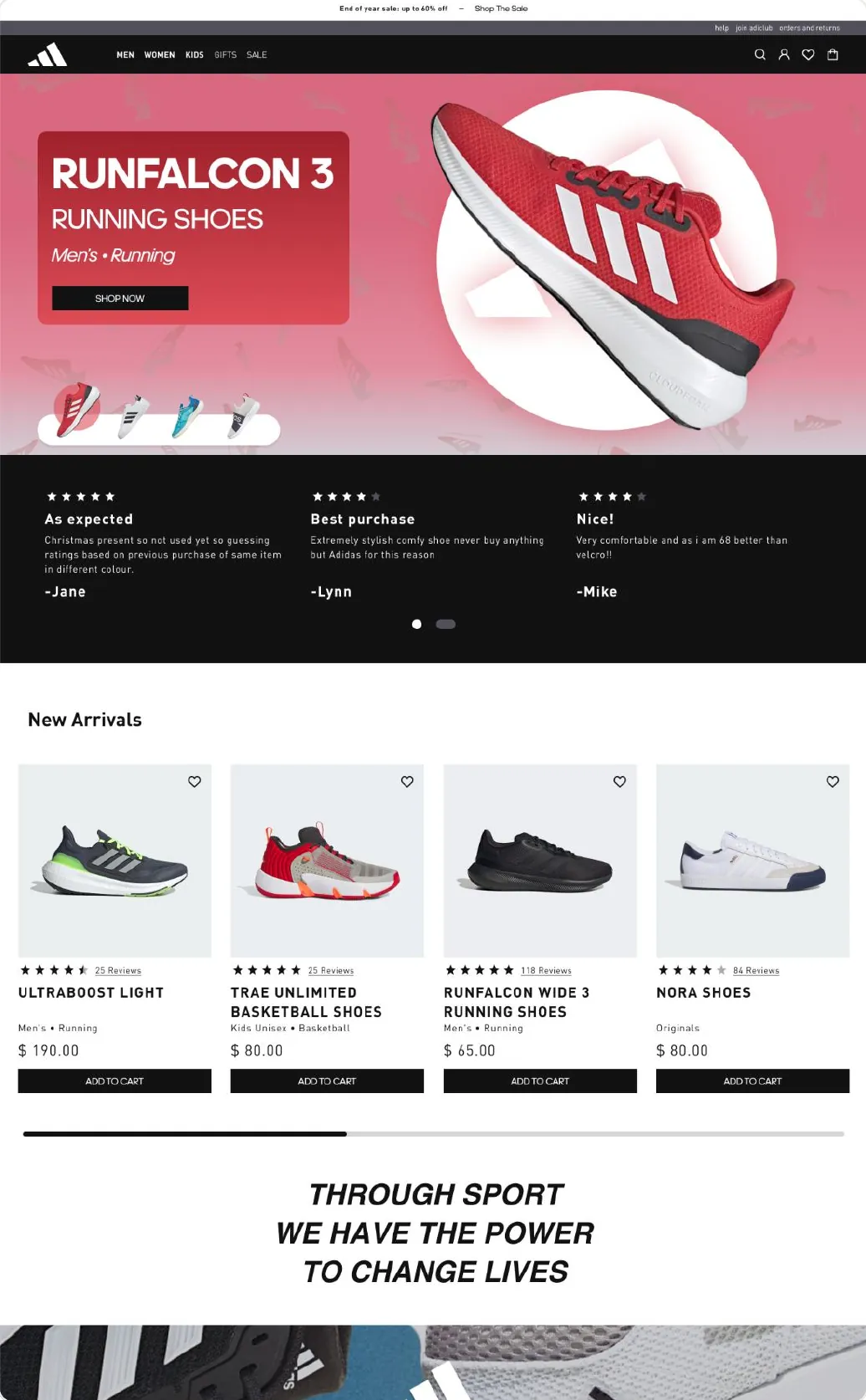
Screen recording of the Adidas desktop prototype: home page hero with featured running shoes, navigation, product listing and product detail flows.
Key design decisions
Clarity, designed into every layer.
-
Lo-Fi Wireframes
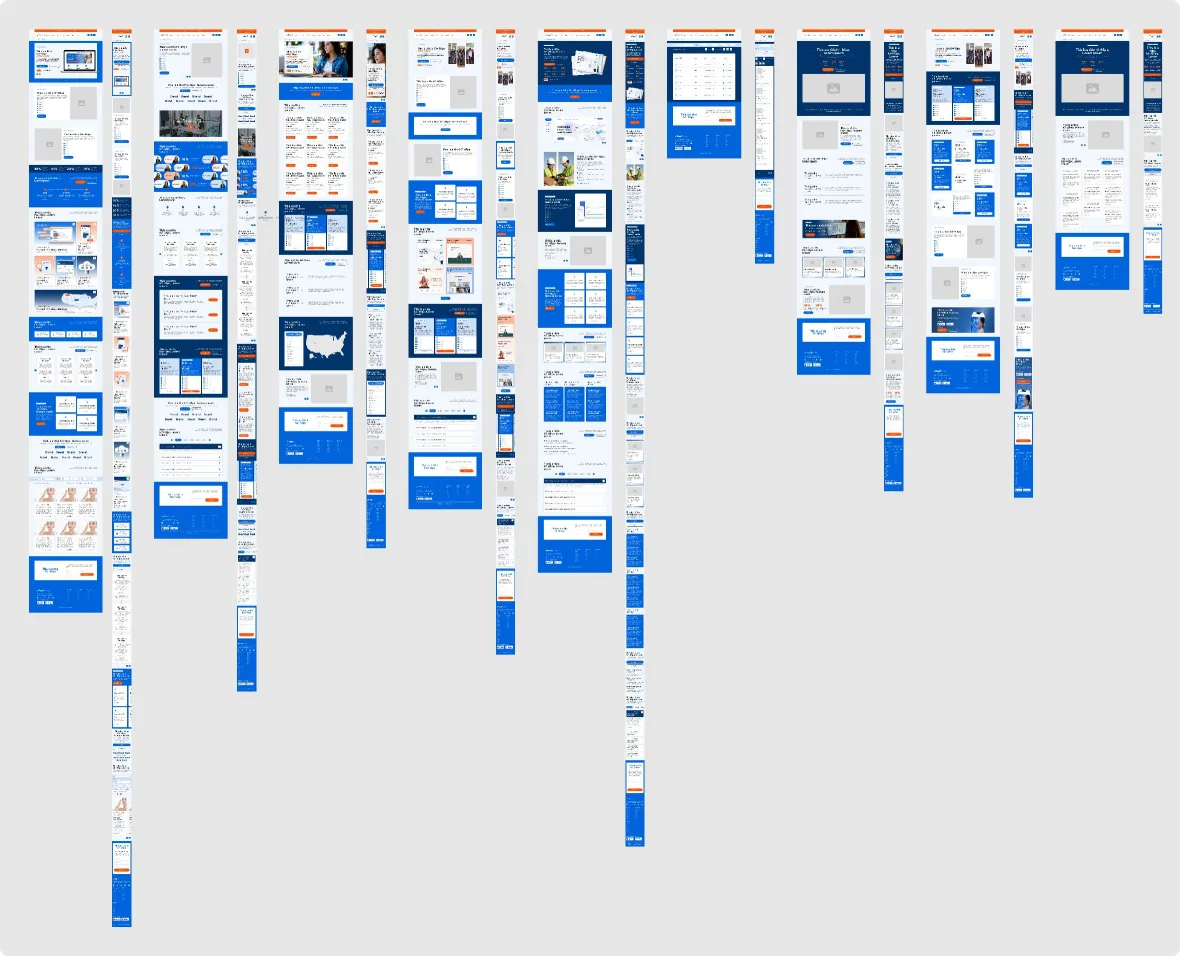
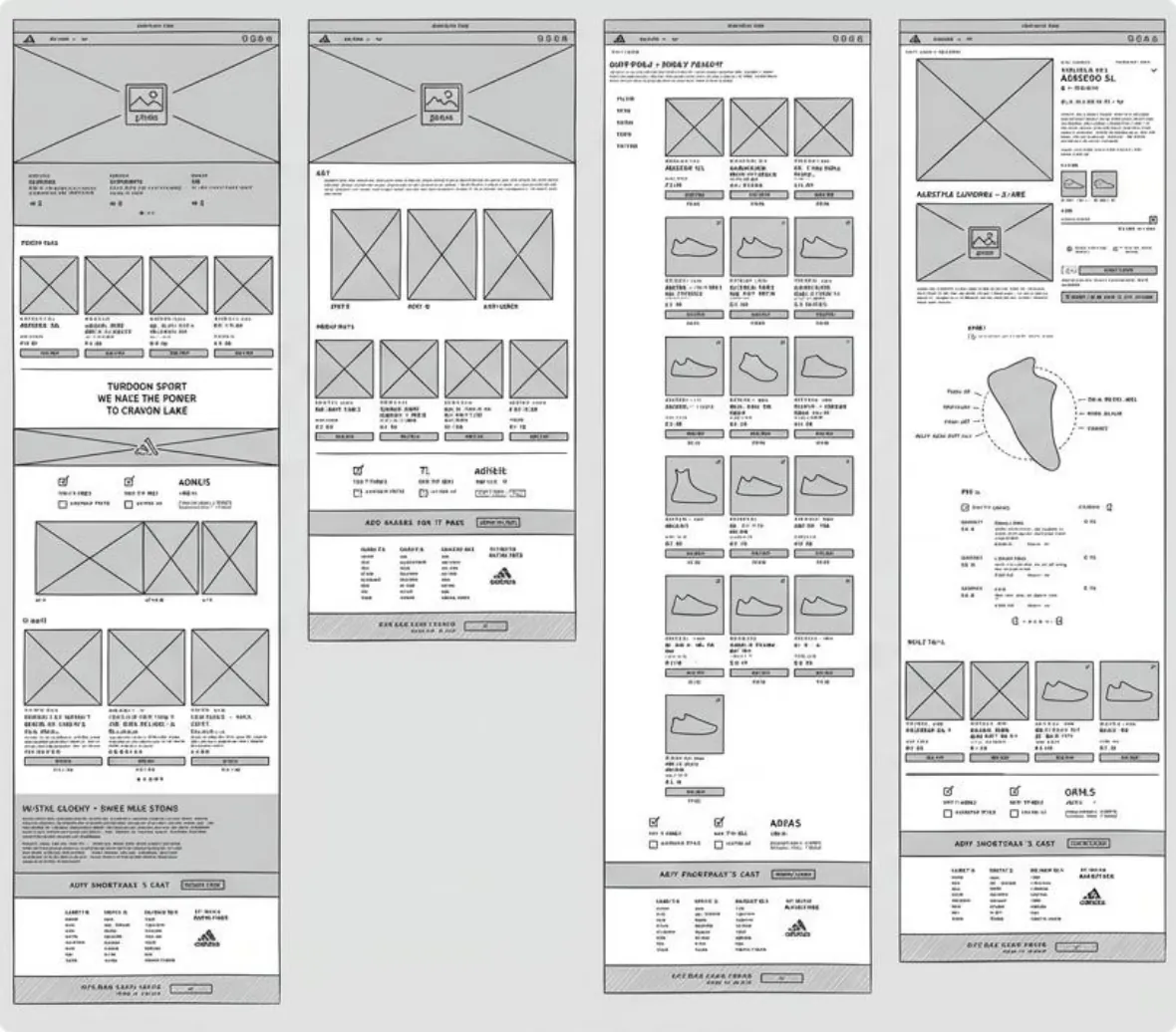
Low-fidelity wireframes simplify the product journey, establishing a clear shopping flow across desktop and mobile.
-
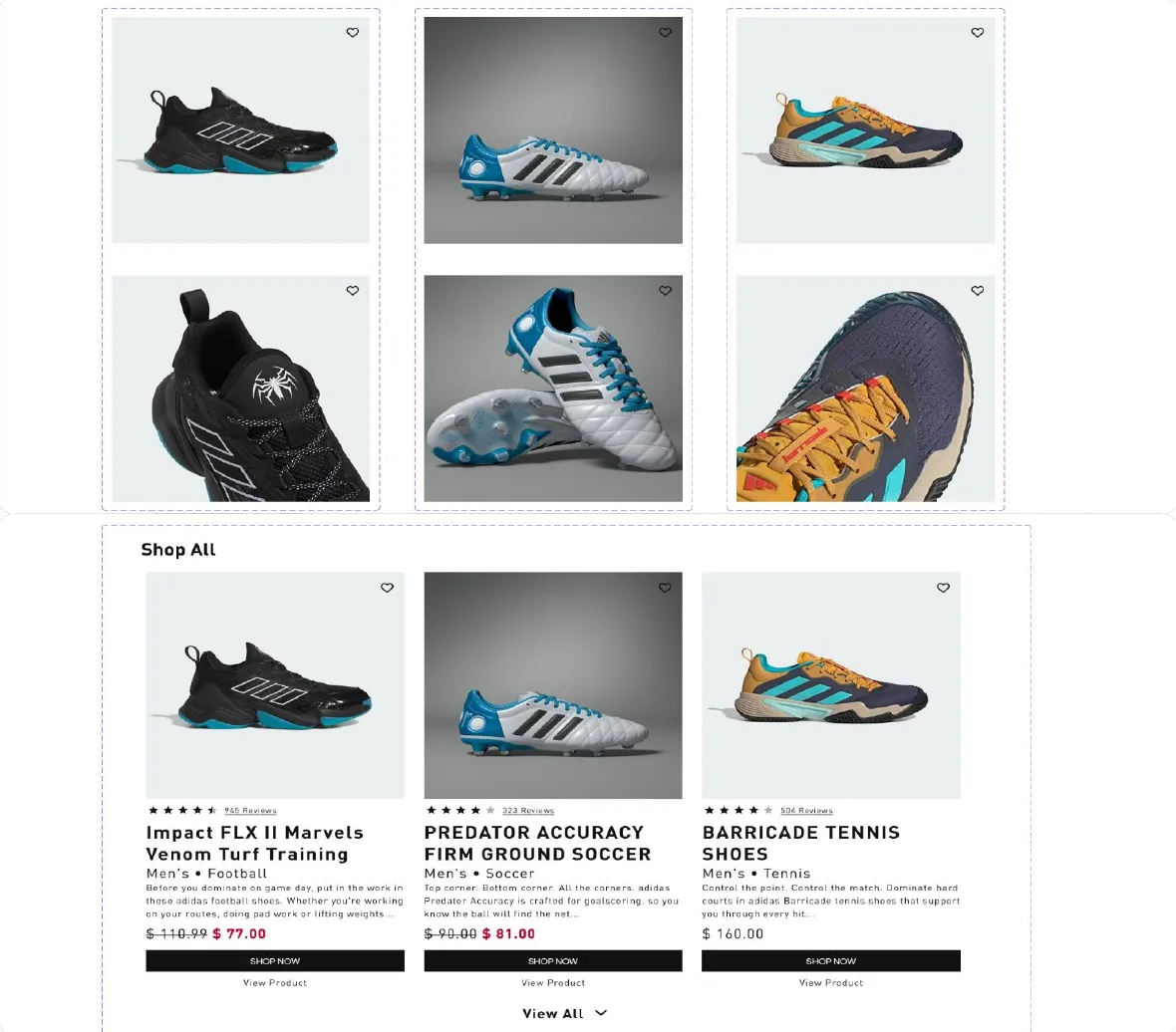
Final design
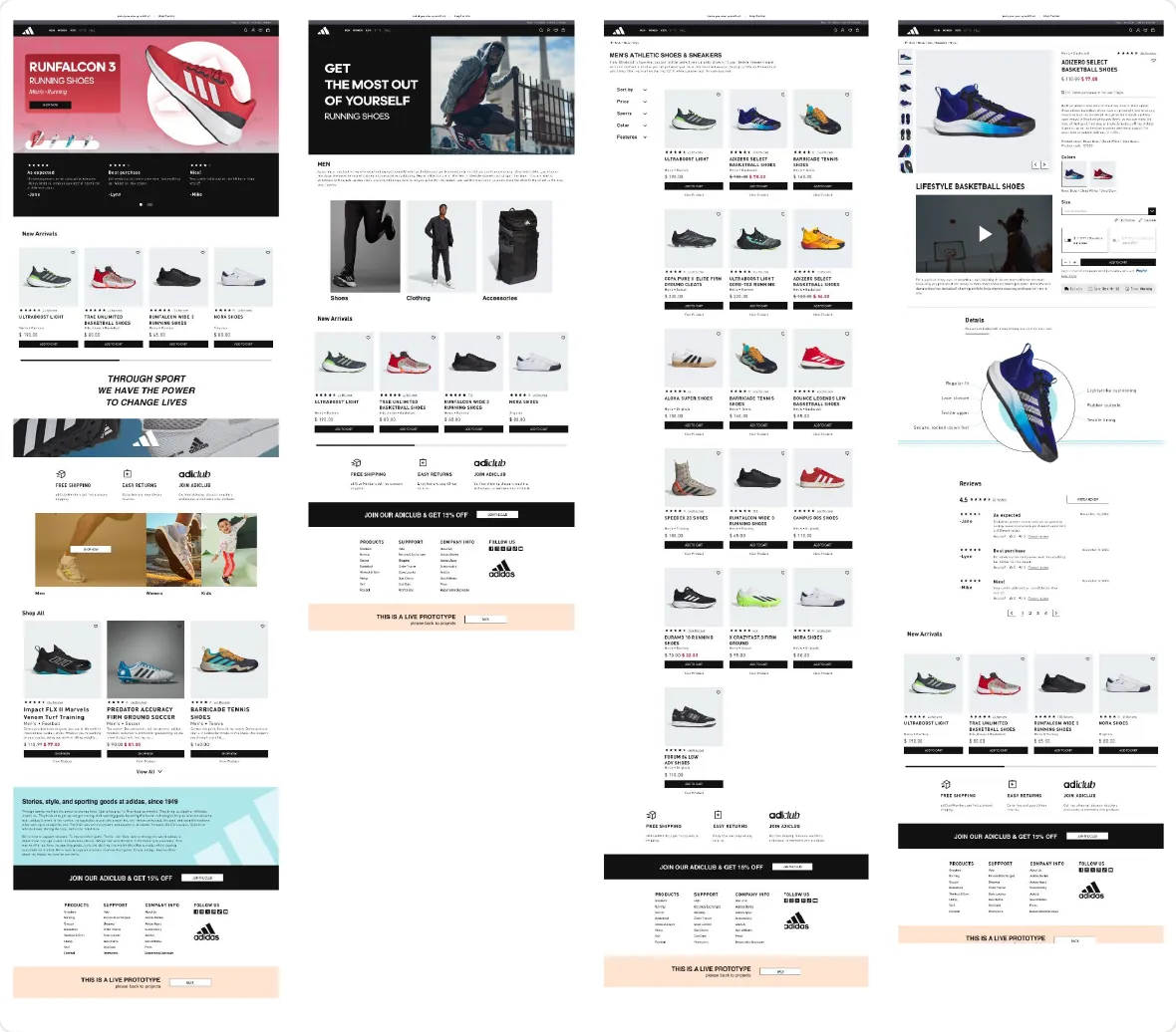
A clear visual hierarchy and focused product details help shoppers make confident purchase decisions on desktop and mobile.
-
Prototyping
Interactive prototypes bring the shopping journey to life, clarifying key interactions across desktop and mobile.
Approach & process
Evidence first. Expression second.
I mapped the Adidas shopping journey and identified three areas to improve: orientation, product confidence, and checkout momentum. They guided the wireframes, the visual design, the design system, and the interactive prototypes for desktop and mobile.
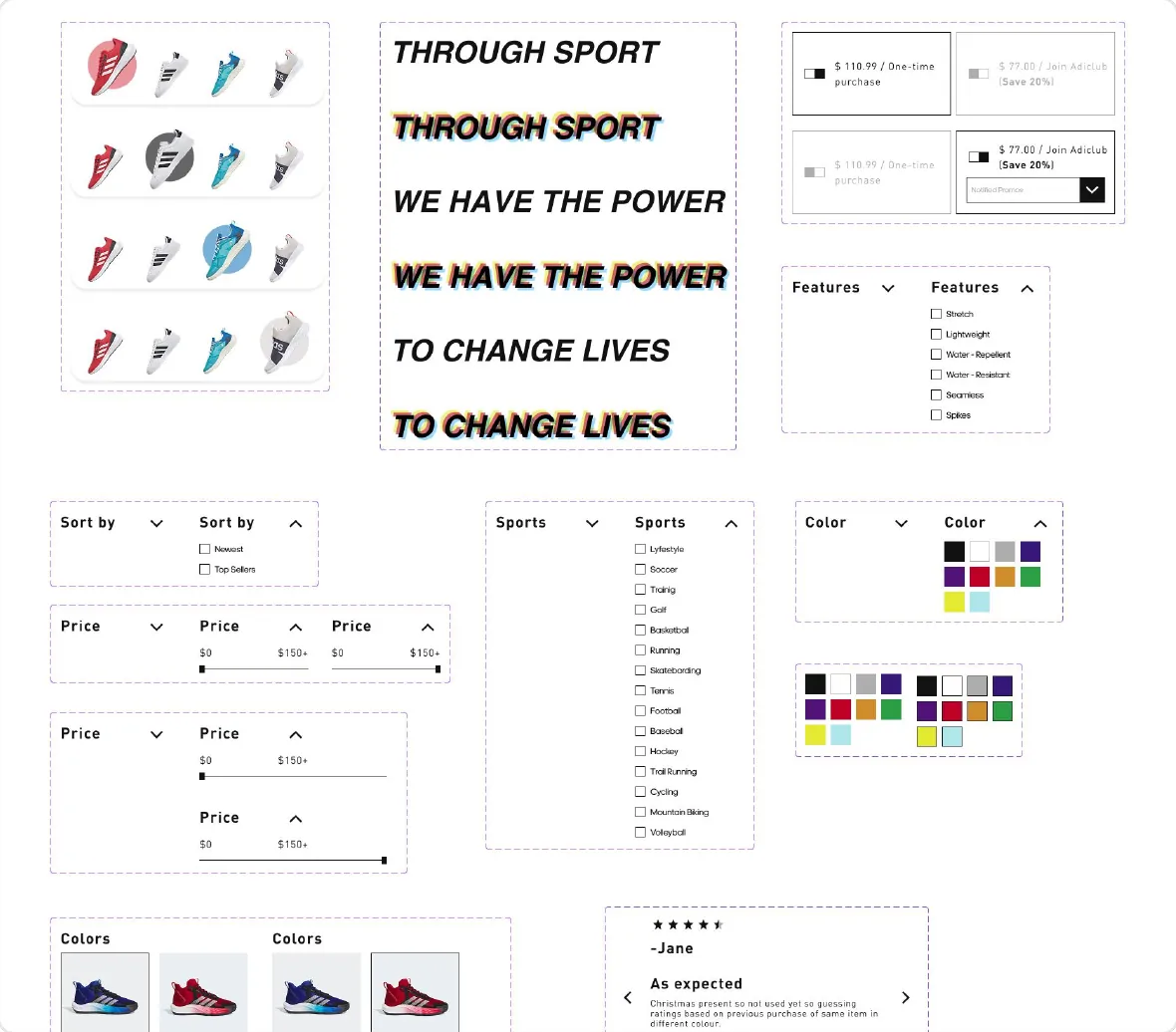
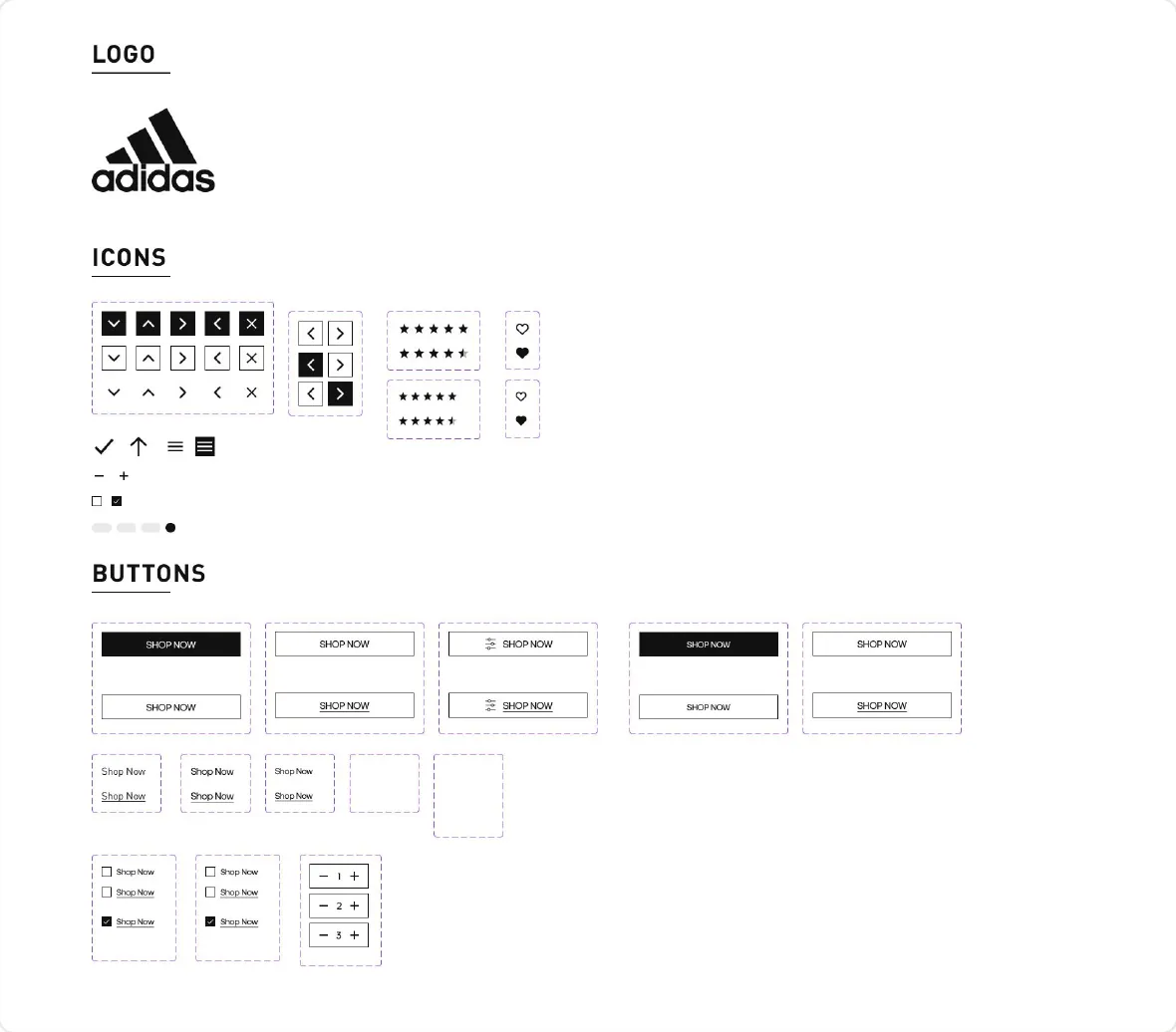
Design system
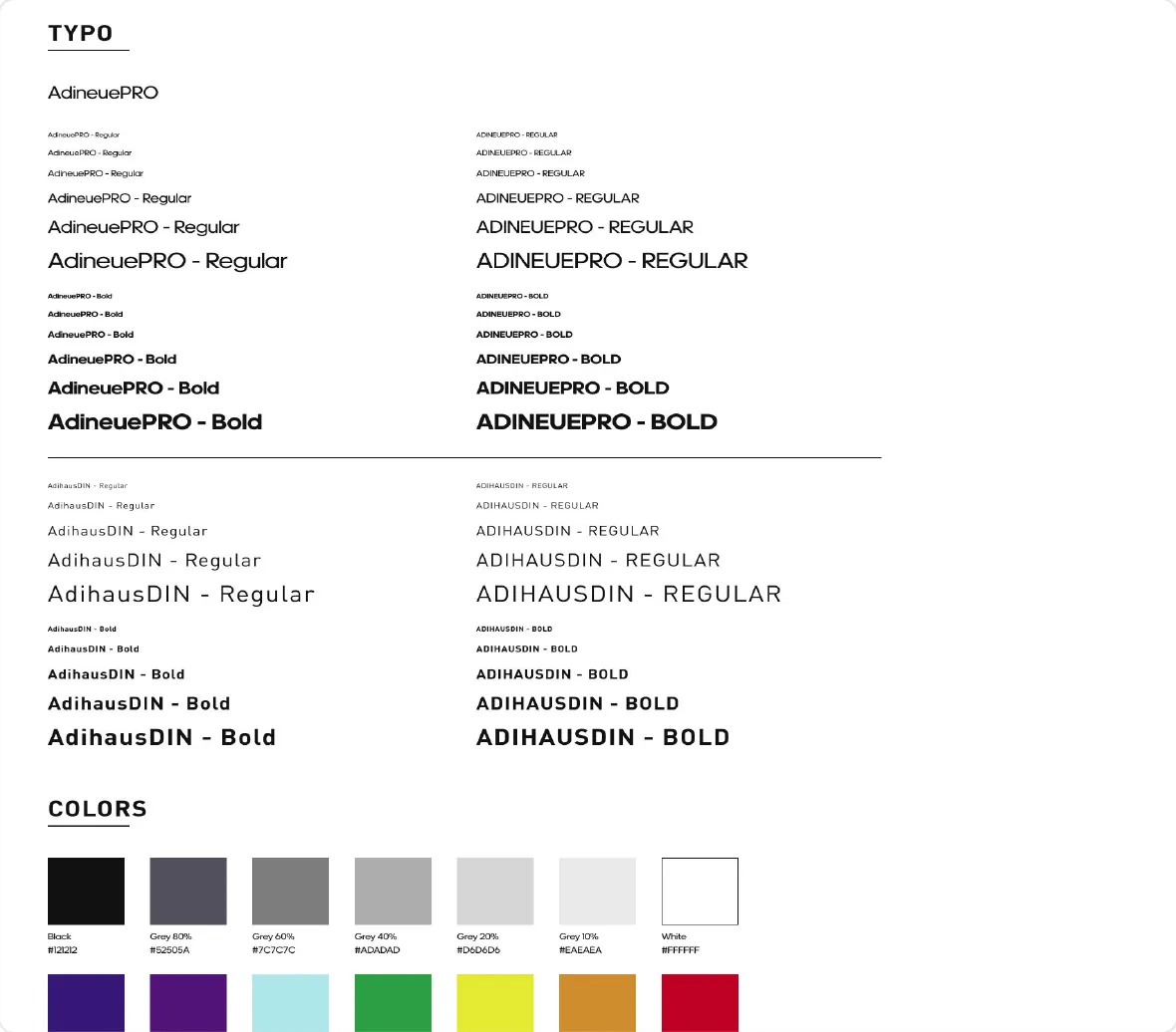
Consistency rules for a great design
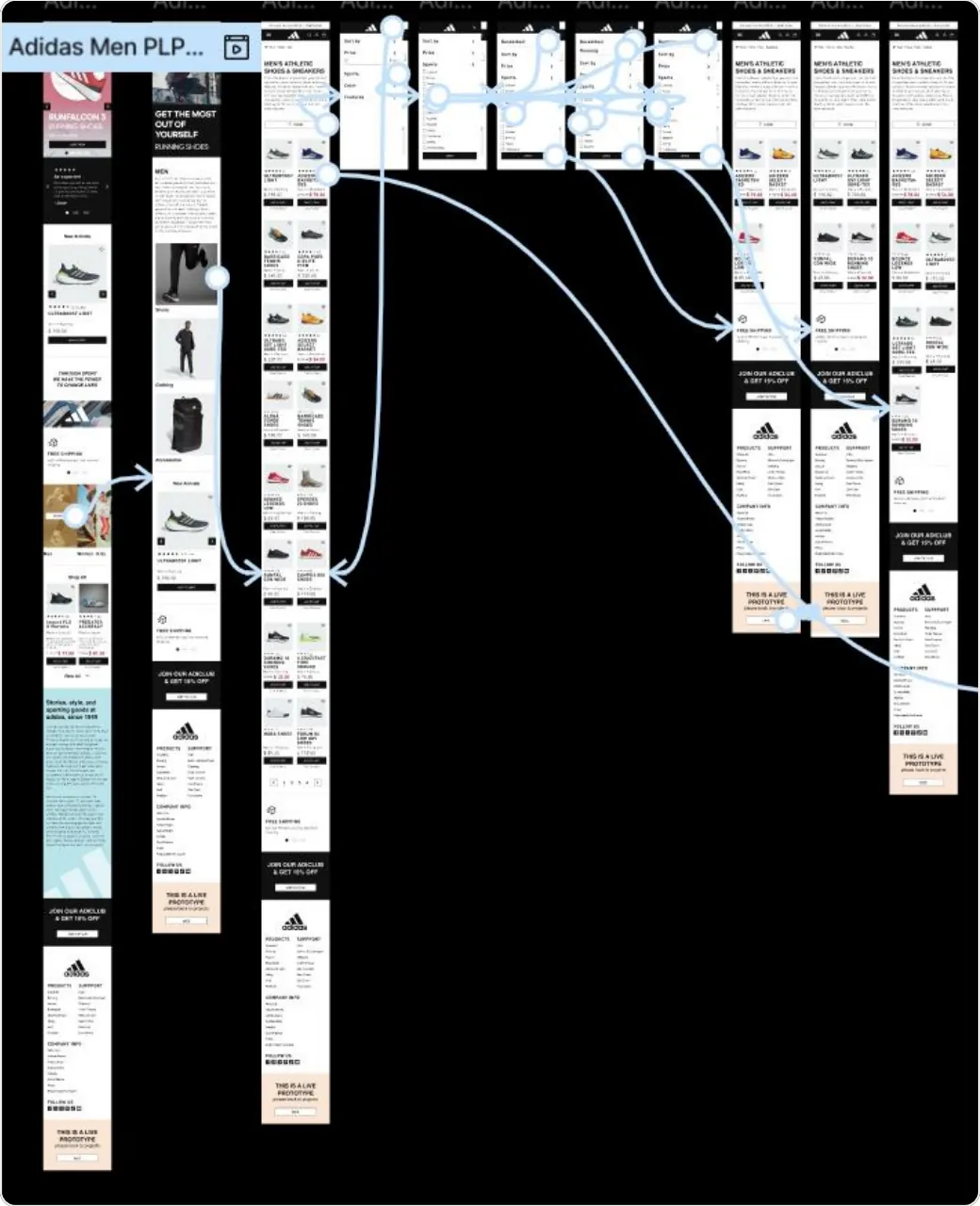
Prototyping
Interactive flows for every screen
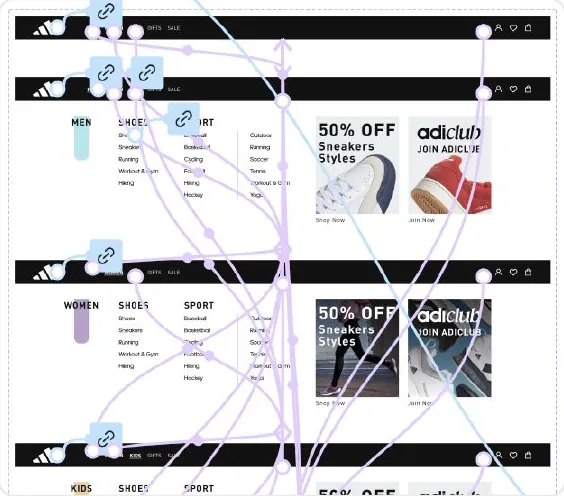
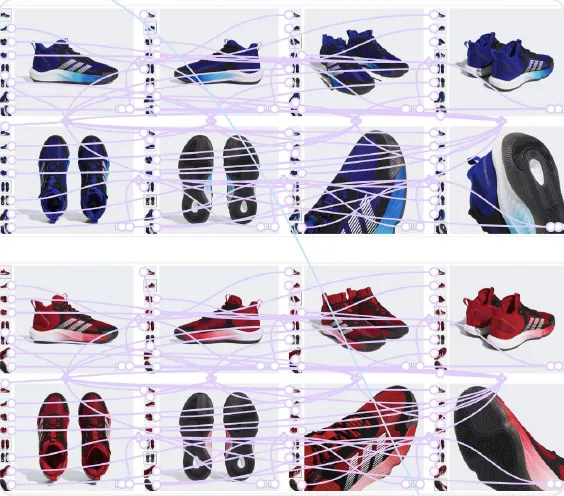
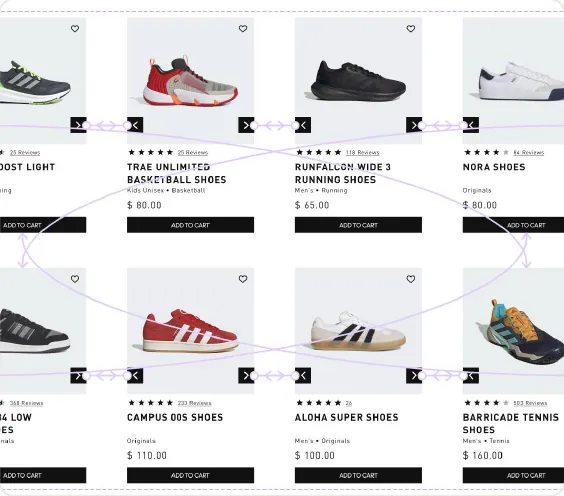
Responsive by design
The same shopping flow, on every screen.
Every screen was designed for desktop and mobile together, from the home page and the Men and Women navigation to product galleries and the product grid. The interactive prototypes connect these flows end to end, so each interaction can be tested on both devices.
The solution
A system built for conversion rate optimization (CRO)
I removed friction in the product journey, tested key flows, and refined calls to action to create a smoother path to purchase.
Other projects
-
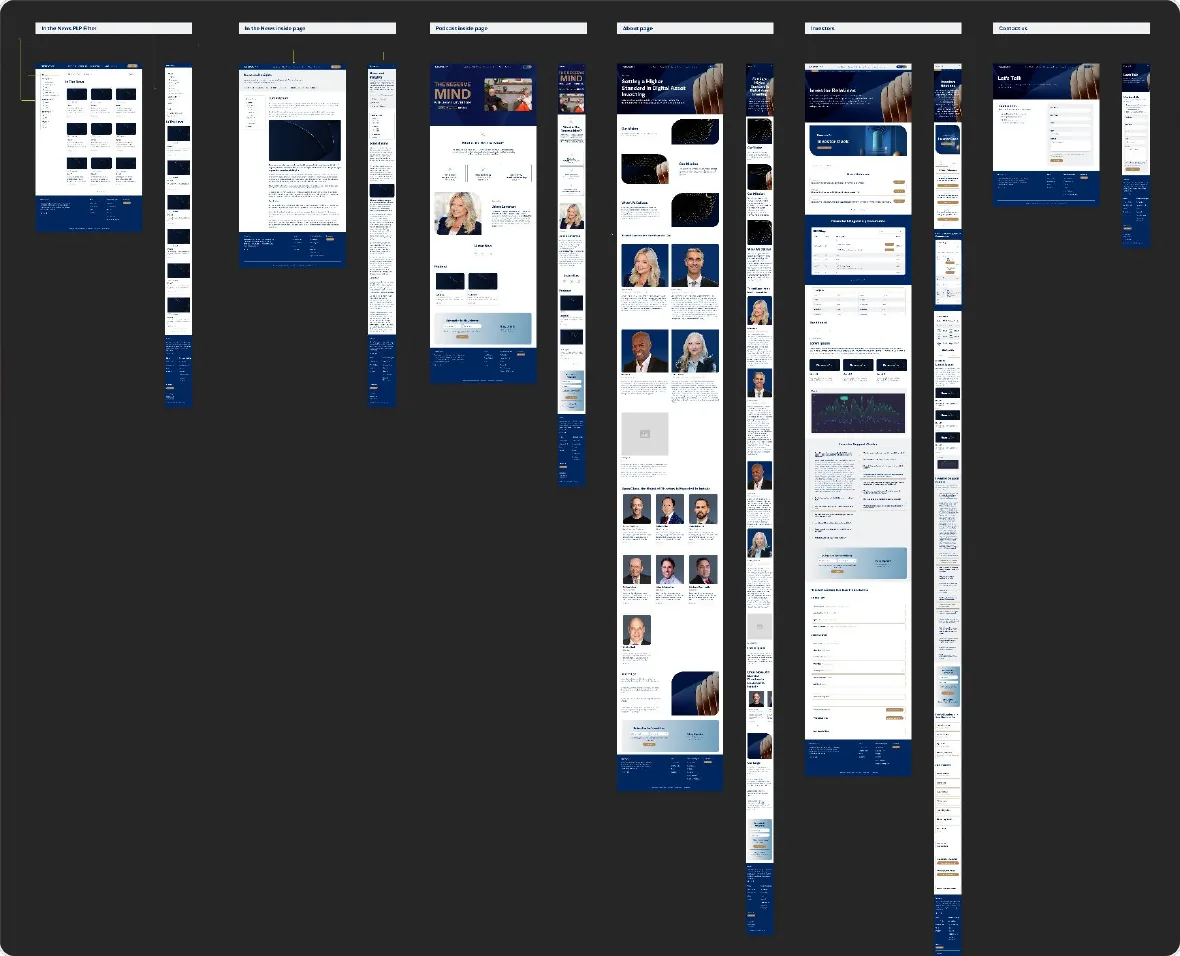
Website Rebuild on Framer — ReserveOne
ReserveOne
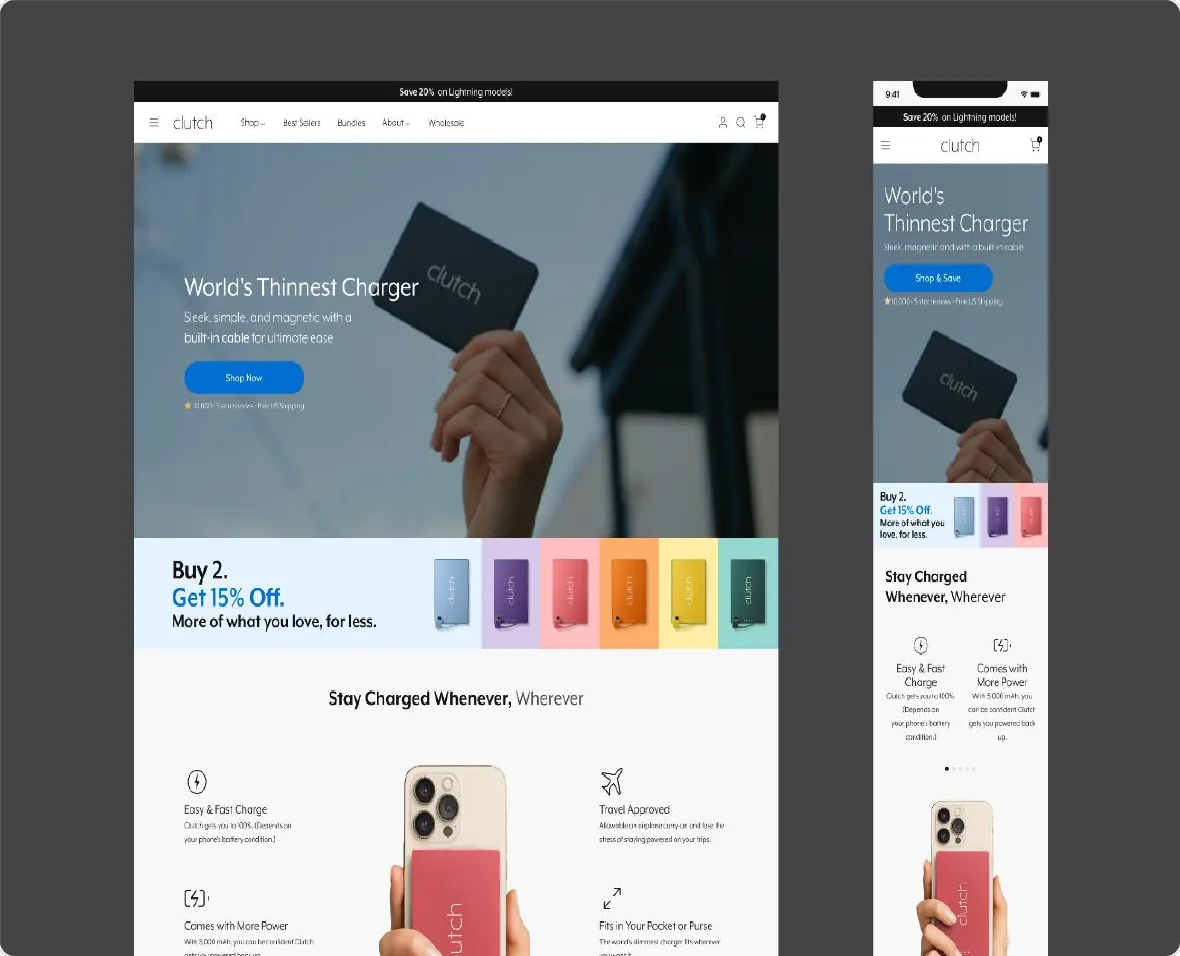
CRO for Website & Campaigns — Clutch Charger
Clutch Charger
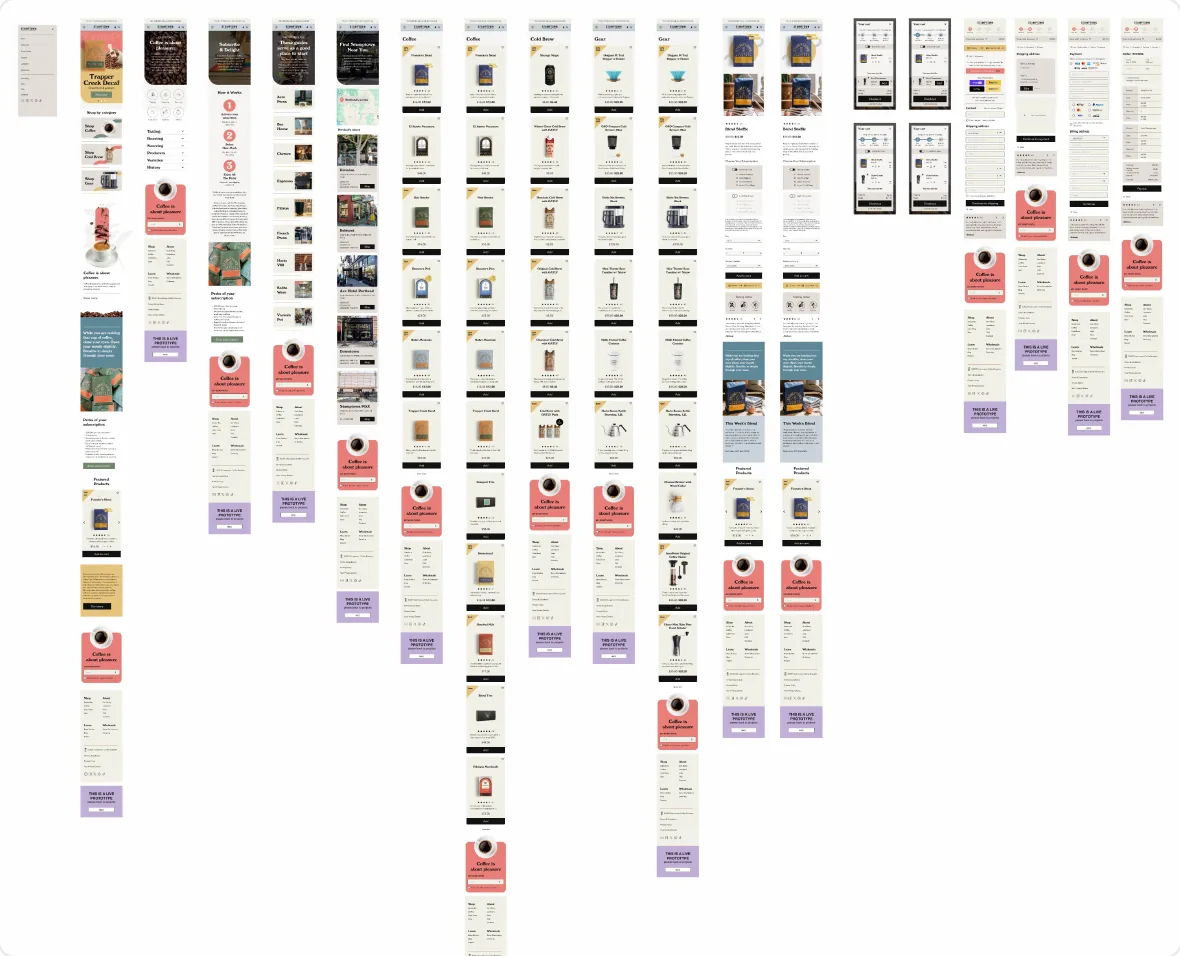
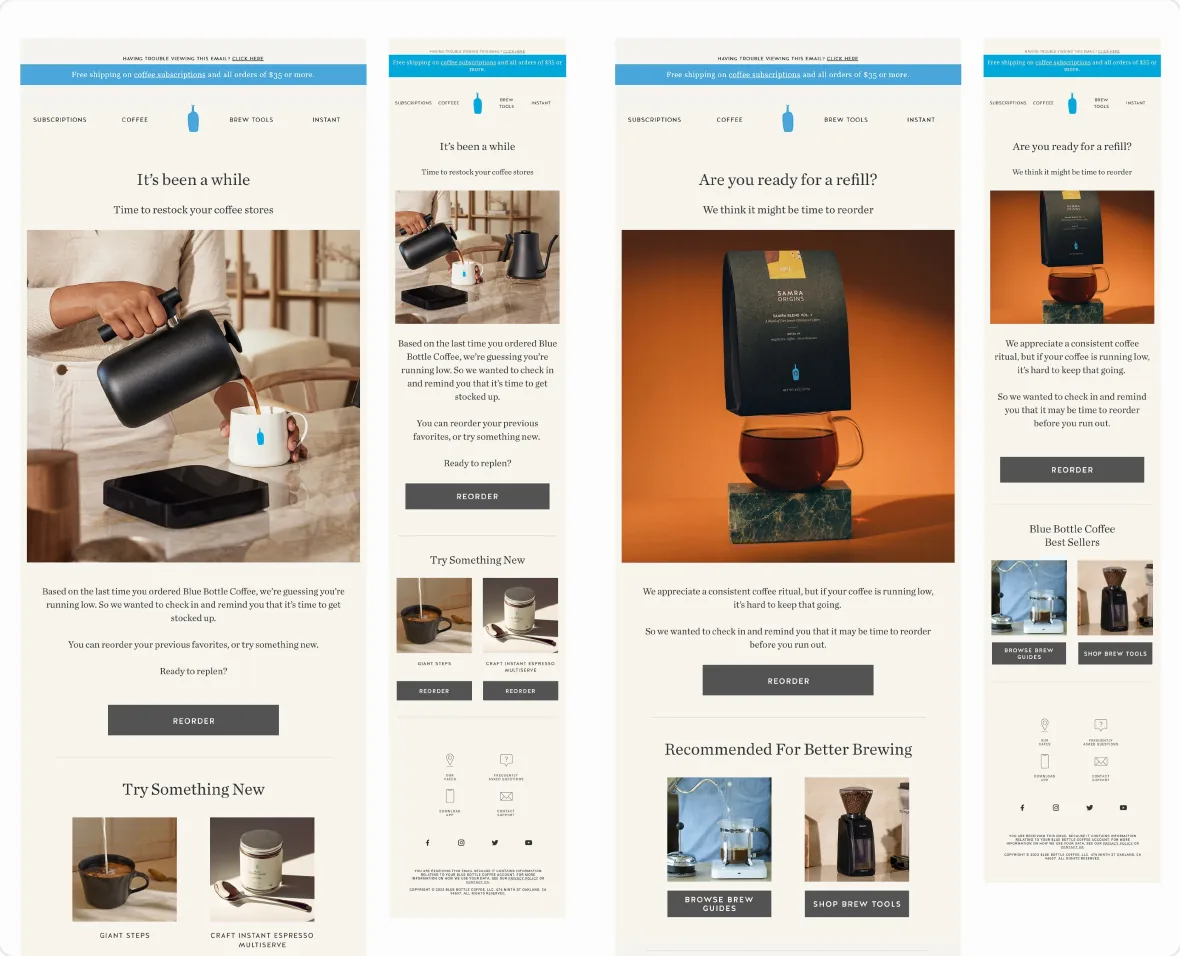
E-commerce UI Concept — Stumptown
Stumptown
Let’s build something remarkable.
Open to remote Senior UI/UX Designer and Design Lead positions.
- Email: andres.rendon.design@gmail.com
- WhatsApp: +57 301 792 4781
- LinkedIn: linkedin.com/in/andresrendonc
- Location: Medellín, Colombia · Remote
GET IN TOUCH
Fields marked with an asterisk are required.